Find an invoice
Your invoices are in Plans & billing, under Invoices. You need to be the account Owner, or someone the Owner gave billing access. Anyone else doesn’t see Plans & billing in the menu.
Open your invoices
Section titled “Open your invoices”-
Sign in at app.surveyrock.com.
-
Click your avatar at the top right, then Plans & billing. On a phone, tap the menu button at the top right first.
-
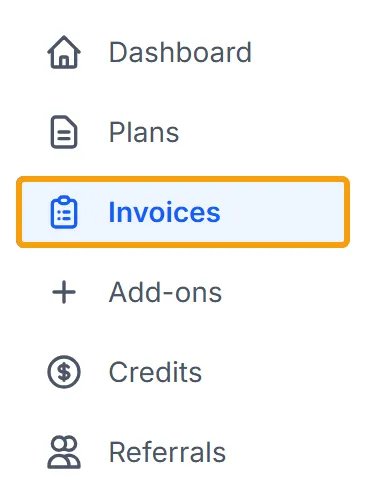
In the left menu, click Invoices. On a phone, it’s in the tabs at the top.
The page opens with the title Transaction History.
Find one by date
Section titled “Find one by date”- If you see Load More at the bottom, click it until every row you need is showing. The date buttons only search the rows on the page.
- Click This Month, Last 3 Months, This Year or Last Year.
- For other dates, click Custom Range, set both dates, then click Apply.
To sort the list, click the Date or Amount column heading.
Read a row
Section titled “Read a row”| Column | What it shows |
|---|---|
| Transaction | The invoice number, with the billing period under it |
| Date | The date it was paid, or Pending if it hasn’t been |
| Amount | The amount and its currency |
| Status | Paid, Open, Void or Draft |
An Open row can have a Pay Now card icon, which opens the payment page.
Get a copy
Section titled “Get a copy”- Find the invoice’s row. Only Paid rows can be downloaded.
- Click the Download PDF icon at the end of the row. The invoice opens as a PDF in a new tab, where you can save or print it.
To get several at once, tick their boxes and click Download Selected. Each one opens in its own tab.
Give your finance team access
Section titled “Give your finance team access”Billing access lets someone see invoices, payment methods and plan details. They can’t see surveys or responses. It’s on Team and above. The person must already be a member of your account.
- On the Billing & Subscription page, find the Billing access card.
- Choose the person.
- Click Give billing access.
To take it away, click Remove beside their name.
Example
Section titled “Example”Your accountant asks for last March’s invoice. You open Invoices, click Last Year, and find the row dated in March. You click its Download PDF icon and send them the file.
Troubleshooting
Section titled “Troubleshooting”The page says “No invoices.” Nothing has been billed to this account yet. A trial or Free account has no invoices.
The page says “Your invoices are issued by our previous billing system.” Your subscription is still billed there, so its invoices aren’t on this page. Click Email support, give the date of the invoice you need, and we’ll send it to you.
Nothing opens when I click Download PDF. Your browser may have blocked the new tab. Allow pop-ups for app.surveyrock.com and click it again. With Download Selected, a browser often allows only the first tab, so allow pop-ups before you start.
A date button hides a row. A row with no payment date doesn’t match any date range. Reload the page to see every row again.