See it working
Short walkthroughs, each one task from start to finish, recorded in the product as it is today.
 1:00
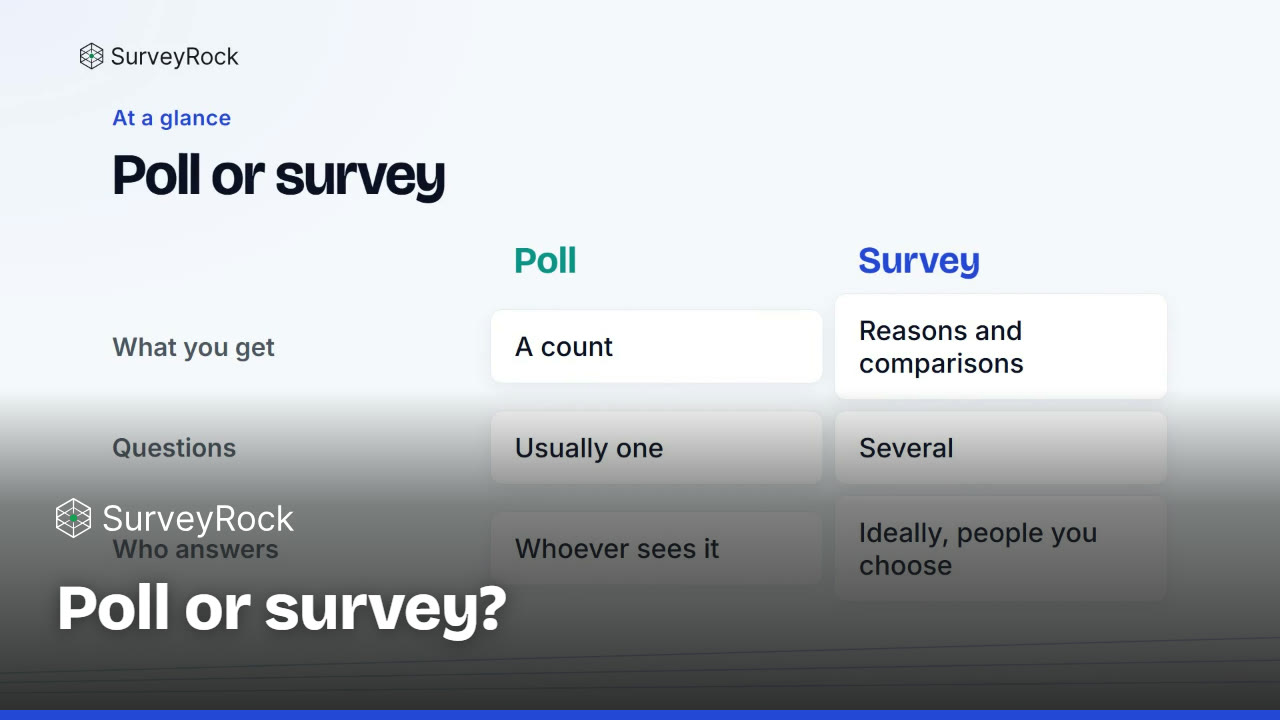
Poll vs Survey: What's the Difference, and Which Do You Need?
A poll asks one quick question to get a count. A survey asks several questions to find out what people think and why, ideally from people you choose to ask. Three questions to pick the right one, and when a poll should become a survey.
 0:54
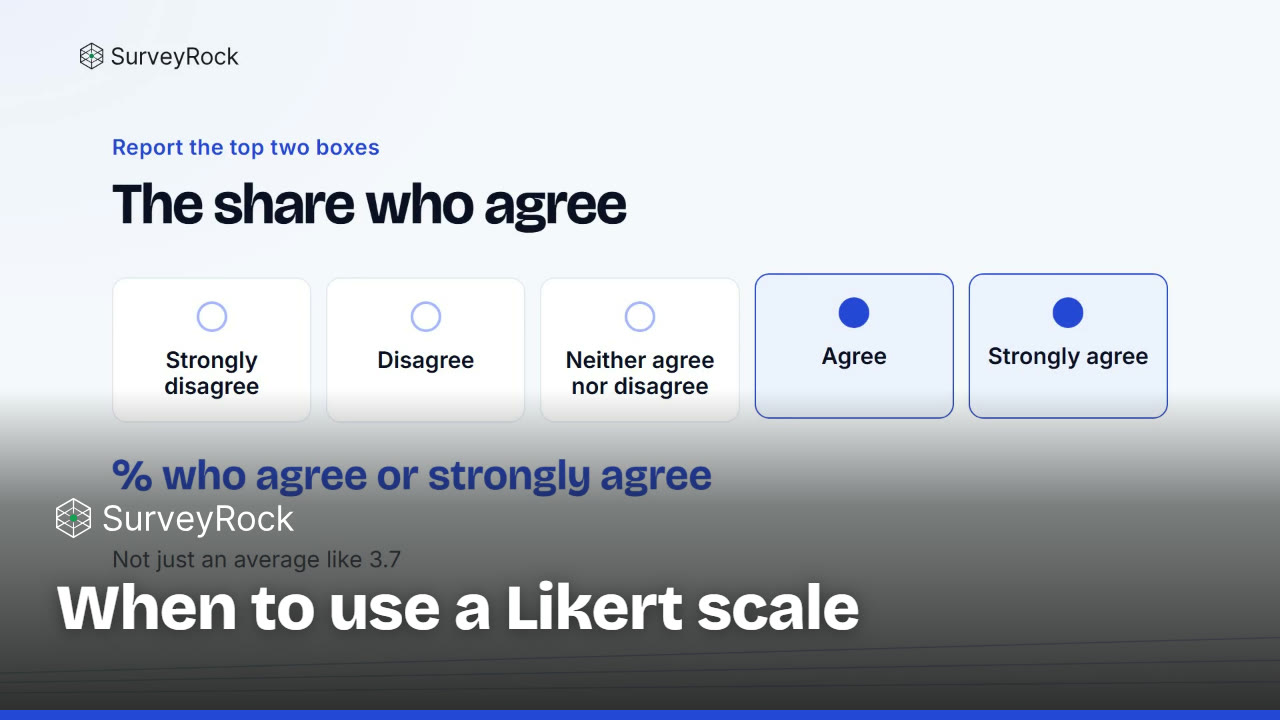
When to Use a Likert Scale (and When Not To)
Use a Likert scale when you want to compare how people feel across many statements or many people, not by default. Five points, the neutral middle, balanced labels, leading with the top two boxes, and when to ask something else.
 1:01
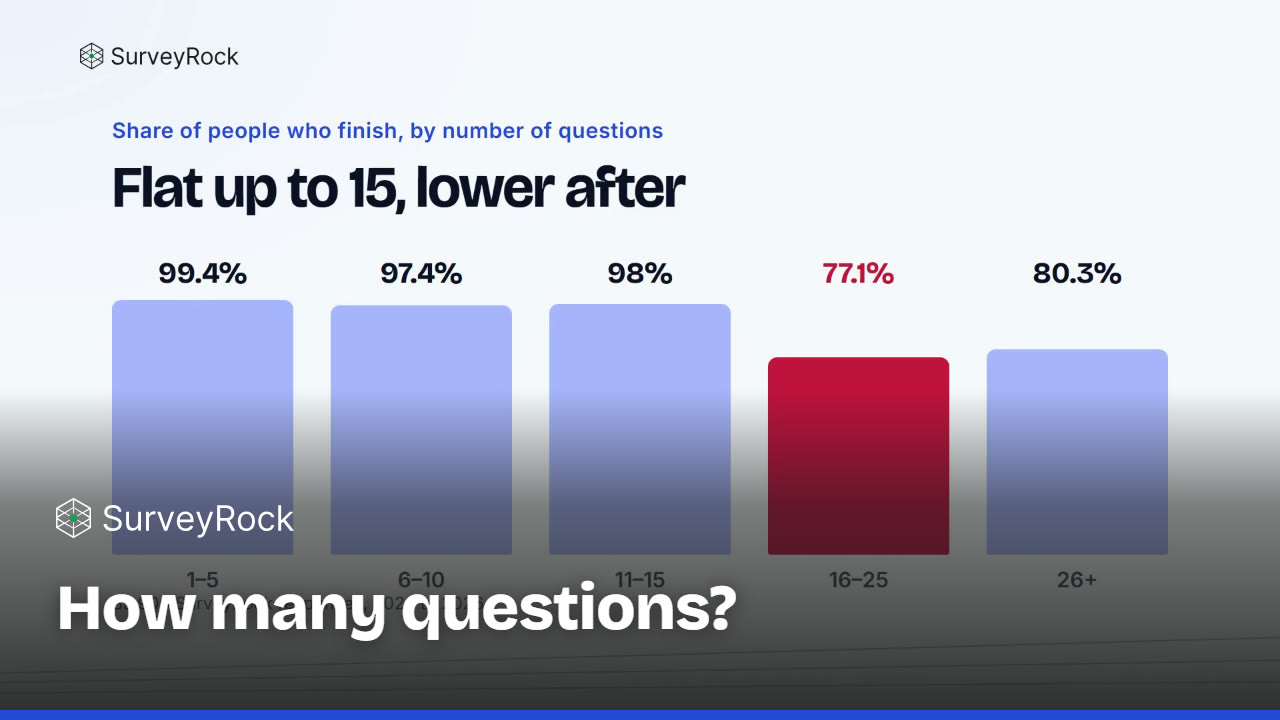
How Long Should a Survey Be? (What 85,900 Responses Show)
In SurveyRock data, about 98% of people who start a survey of up to 15 questions finish it, against 77% for surveys of 16 to 25. What sets the right length, rough starting points, and how to cut a question.
 0:46
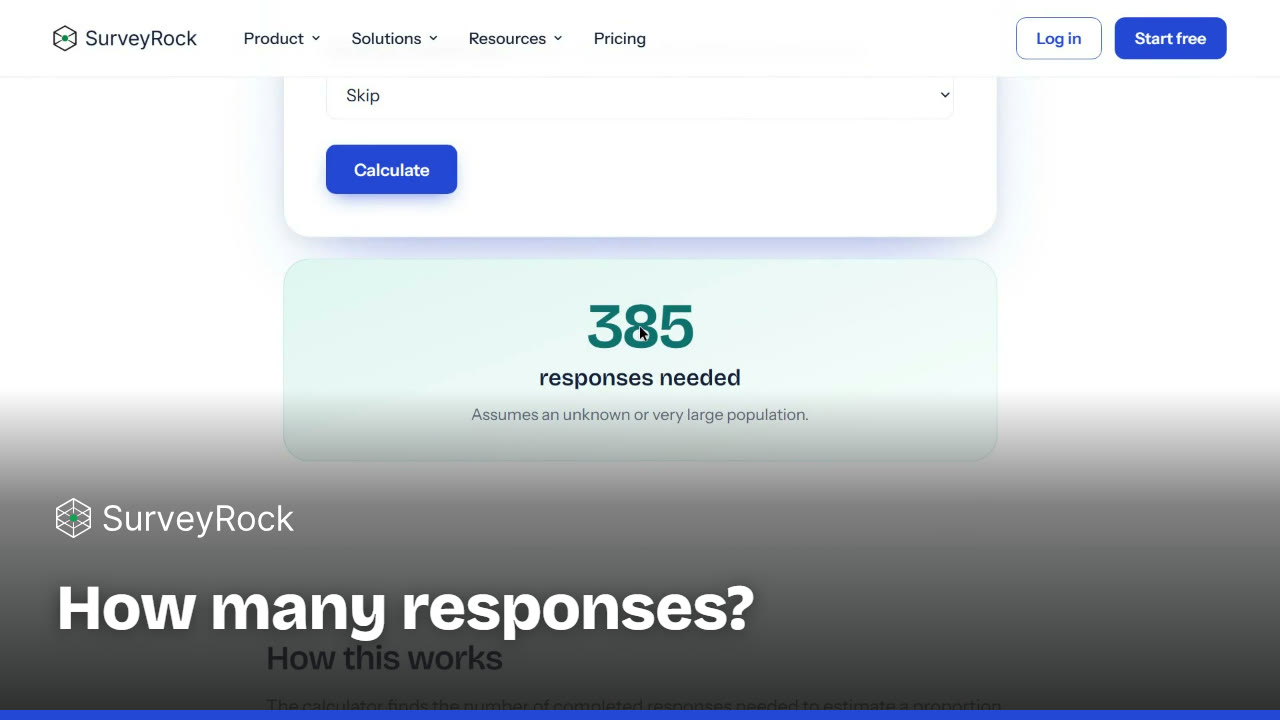
How Many Survey Responses Do You Need? (Free Sample Size Calculator)
For a large population, 385 completed responses from a random sample give at most a 5% margin of error at 95% confidence. Worked out on the free sample size calculator, turned into people to invite, adjusted for a smaller population, and what the number does not cover.
 0:55
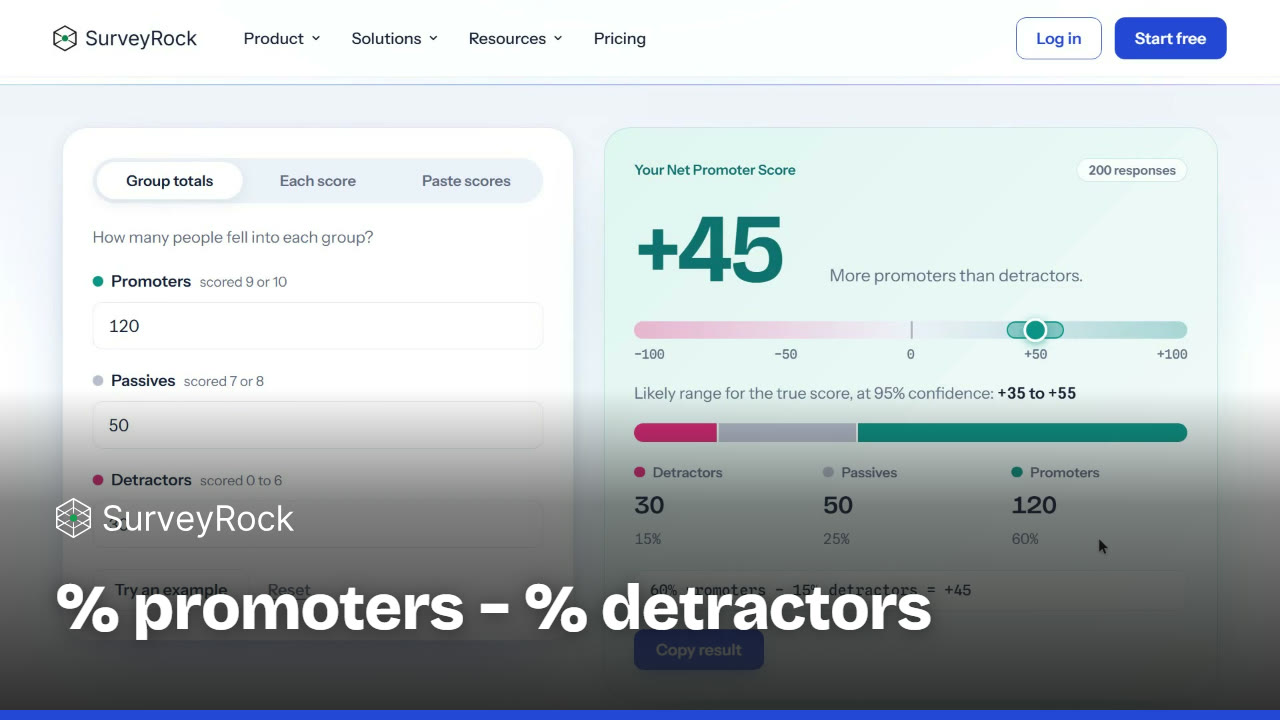
How to Calculate NPS (Net Promoter Score), With a Free Calculator
To calculate a Net Promoter Score, subtract the percentage of detractors (0 to 6) from the percentage of promoters (9 or 10). Worked out on the free NPS calculator, with the range that shows how far to trust the result.
 0:55
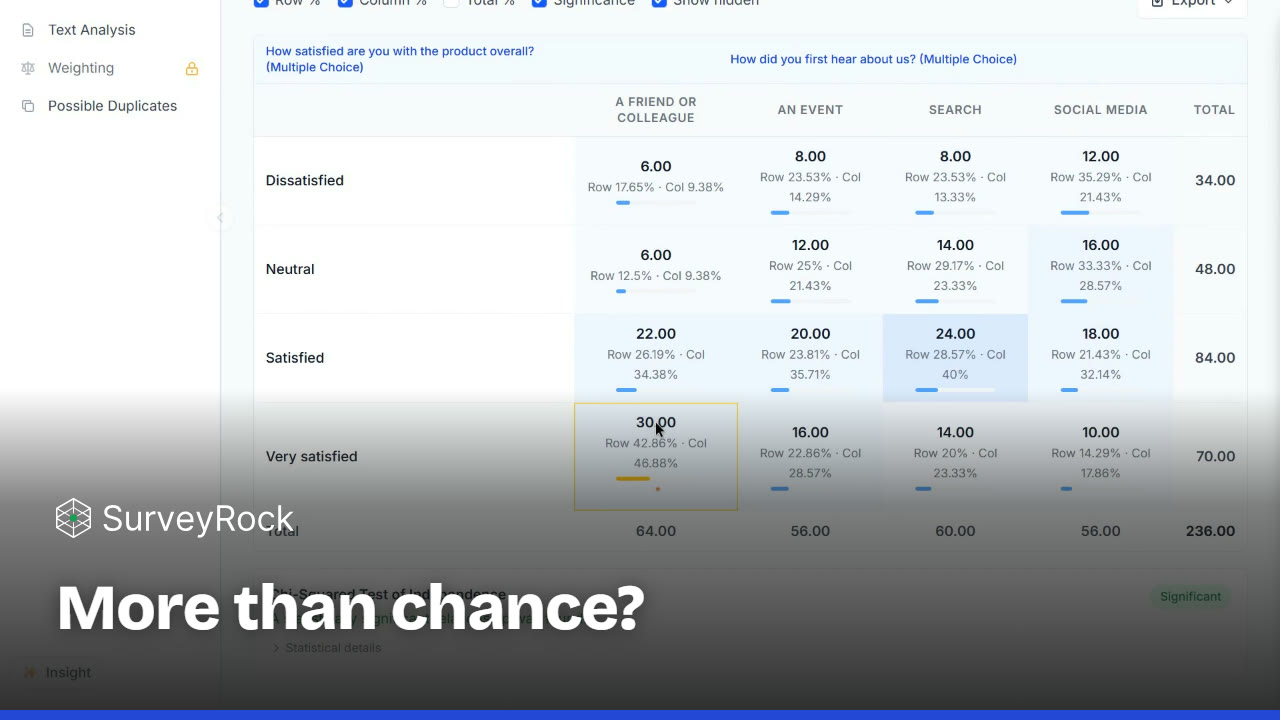
How to Cross-Tabulate Survey Results (With a Chi-Square Test)
A crosstab compares the answers to one survey question against another, and a chi-square test checks whether the difference is bigger than chance alone would usually produce. Built in SurveyRock, then read, widened with a second question and exported.
 0:57
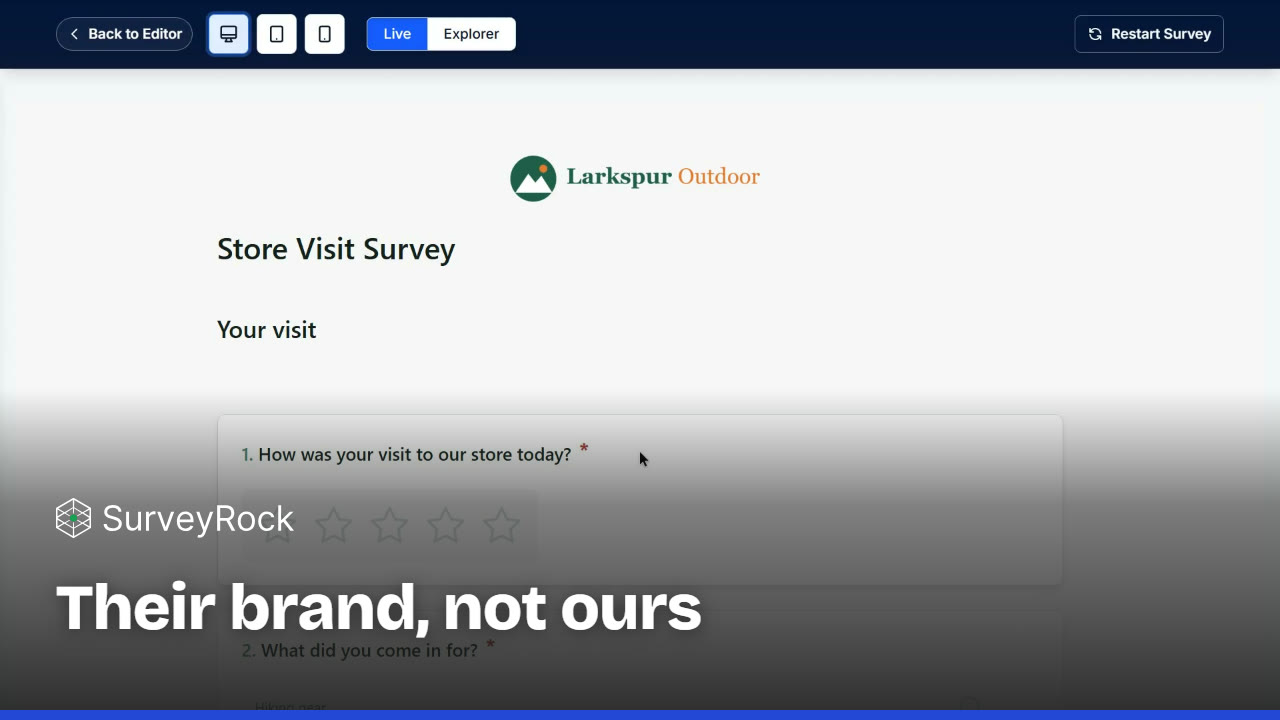
How to White-Label Your Surveys for Clients (Their Logo, Colors and Domain)
Send a client’s survey under their brand, not ours: no SurveyRock branding, their logo and colors, and their own domain. All three set up in SurveyRock for a made-up client, then previewed as their customers see it.
 1:01
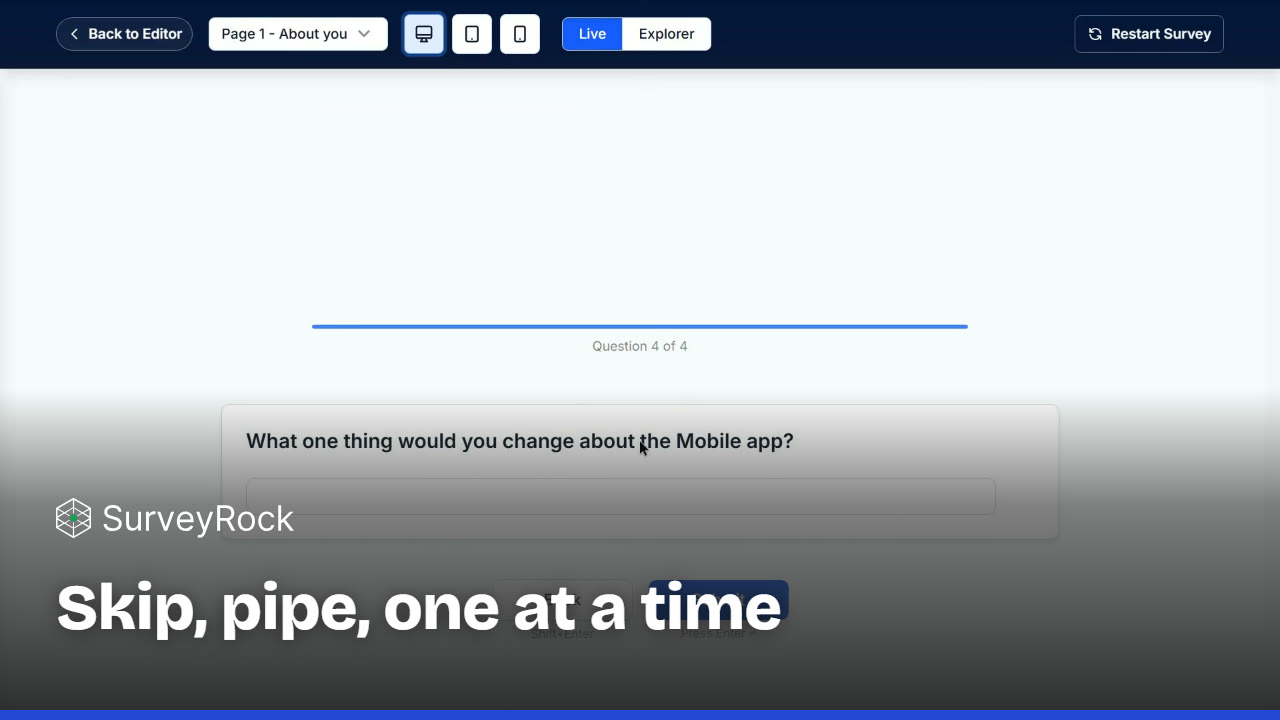
How to Add Skip Logic and Piping to Your Survey (and Show One Question at a Time)
Skip logic sends each respondent past the questions that don’t apply to them, and piping puts an earlier answer into a later question. Both added to a short survey in SurveyRock, switched to one question at a time, and walked through in the preview.
 0:50
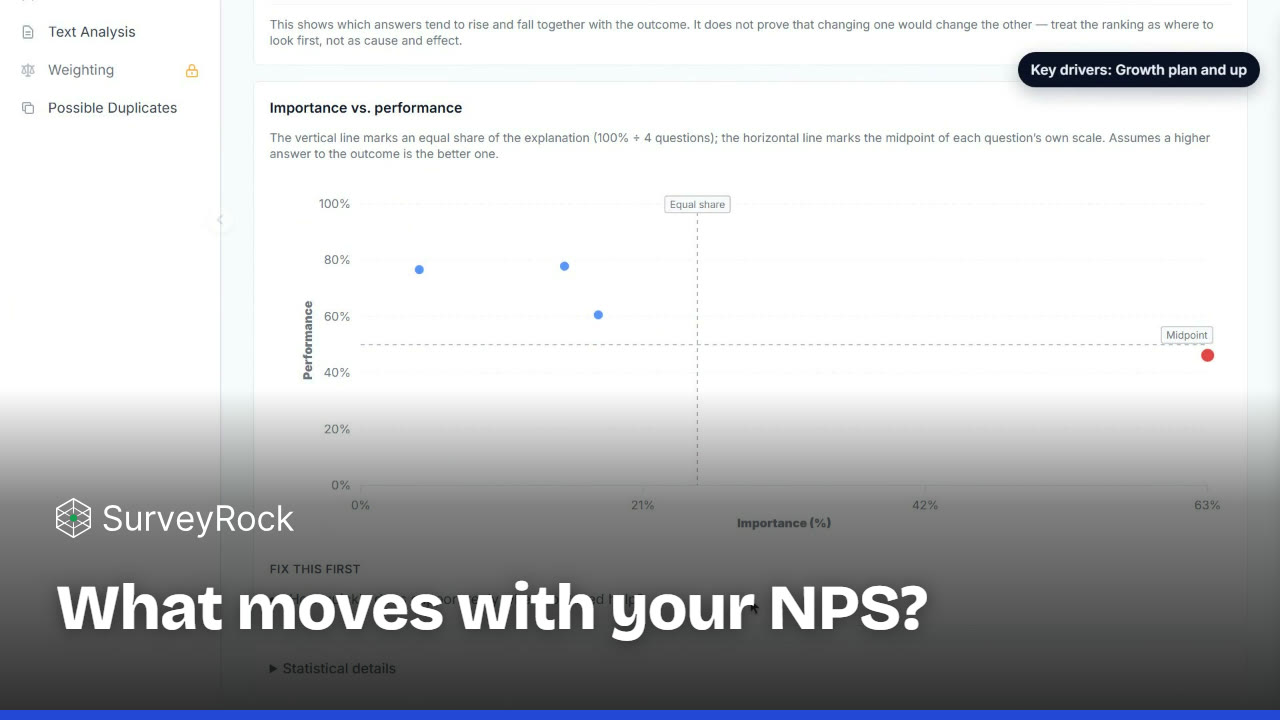
How to See Which Questions Move With Your NPS (Key Driver Analysis)
Key driver analysis shows which questions in your survey move together with your NPS, and which of them to look at first. Run in SurveyRock on a customer feedback survey, from choosing the score to a driver turned into an action.
 0:58
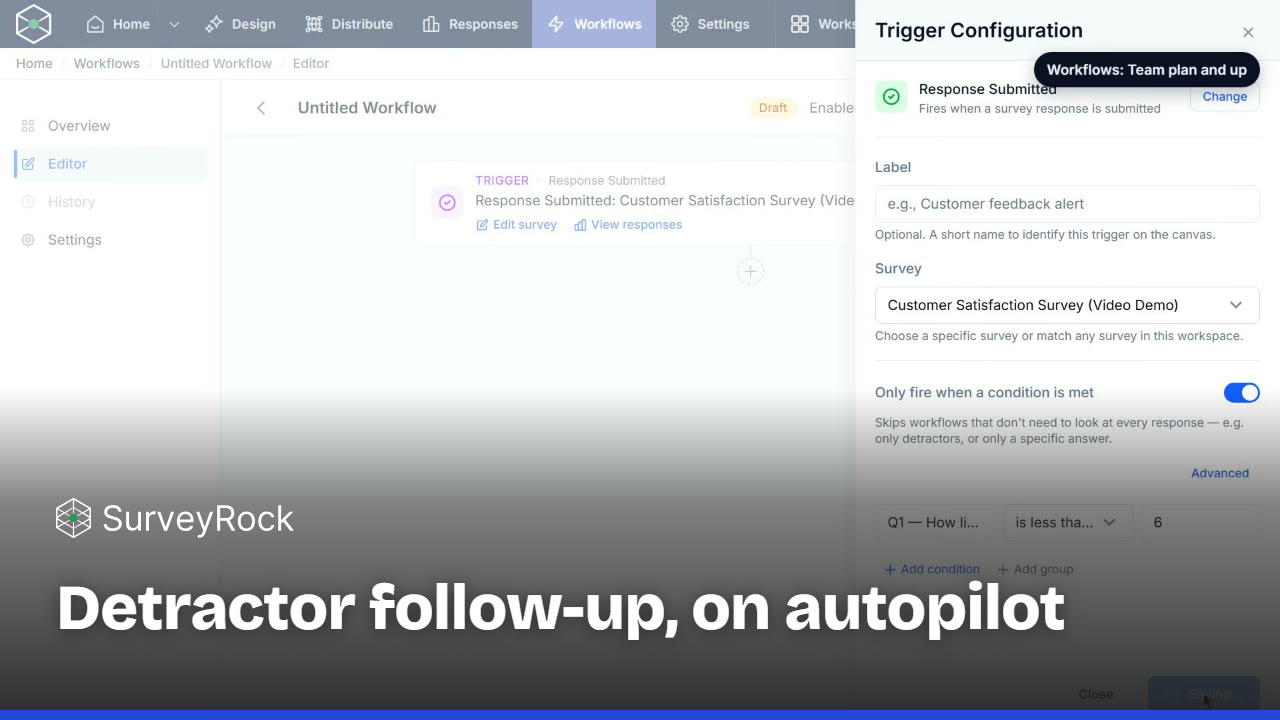
How to Automatically Follow Up on NPS Detractors (No-Code Workflow)
A workflow that raises a follow-up action every time someone submits a score of 6 or less on your NPS survey, built in SurveyRock and then shown working on a real answer.
 1:01
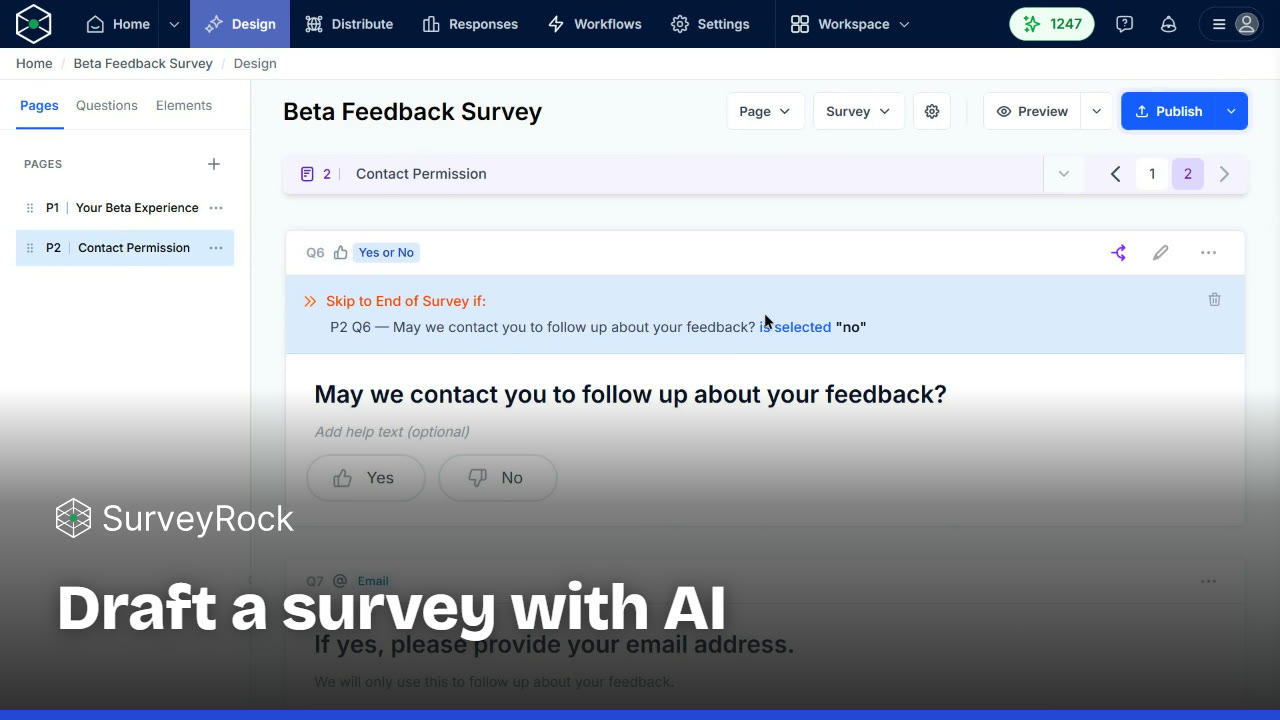
How to Create a Survey With AI: Questions, Answer Choices and Skip Logic
Describe a survey in plain words and SurveyRock drafts the questions, answer choices and skip logic for you to review, from a one-paragraph description to a survey in the editor.
 1:00
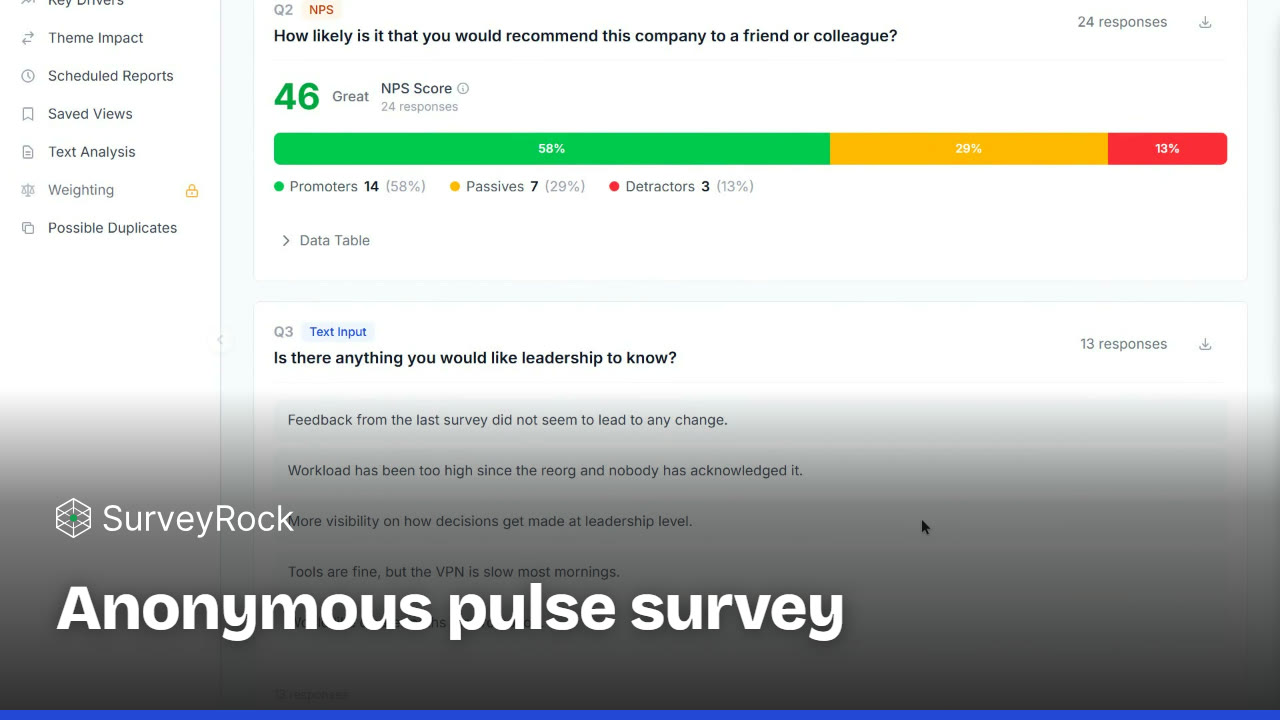
How to Run an Anonymous Employee Pulse Survey (Free Template)
Start an employee pulse survey from a free template, turn on anonymous responses and a minimum group size before you publish, and see what the results show and what they hold back.
 1:37
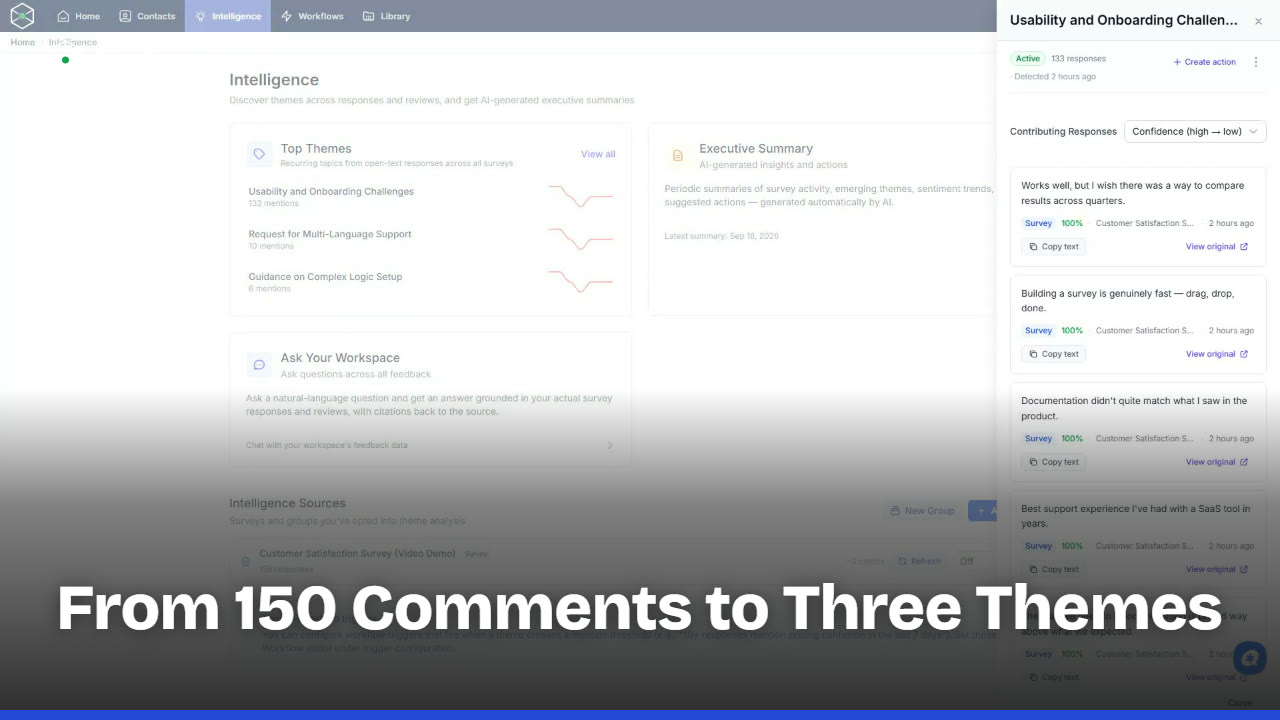
How to Analyze Open-Ended Survey Responses With AI (Theme Detection)
How SurveyRock groups open-ended survey answers into themes with counts and real quotes, drafts an executive summary, and answers questions about your results in plain language.
 1:07
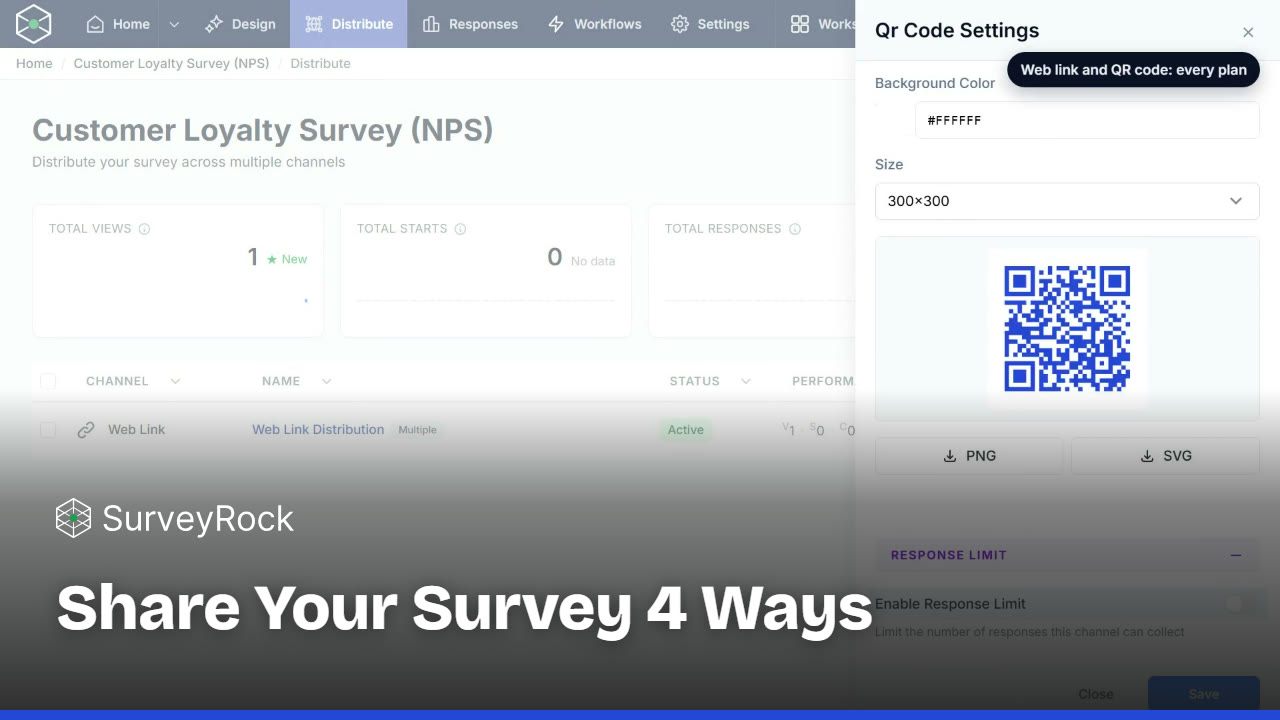
How to Share a Survey: Link, QR Code, Email and Website Embed
Set up the four ways in for one survey: its web link, a QR code to print, an email invitation with a reminder, and an embed on your own website.
 1:19
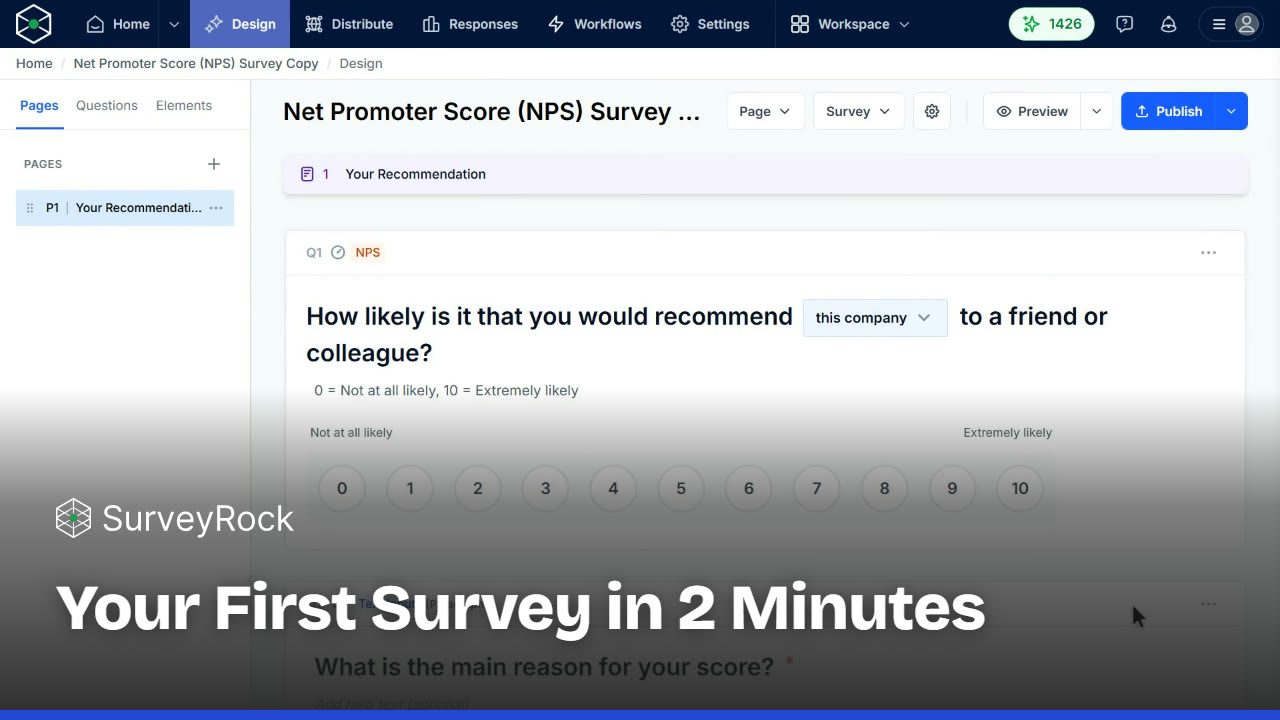
How to Create an Online Survey in 2 Minutes (Free Template)
Build a Net Promoter Score survey from a free template, publish it, and copy the web link SurveyRock gives you: a first survey from start to finish in about two minutes.
 0:56
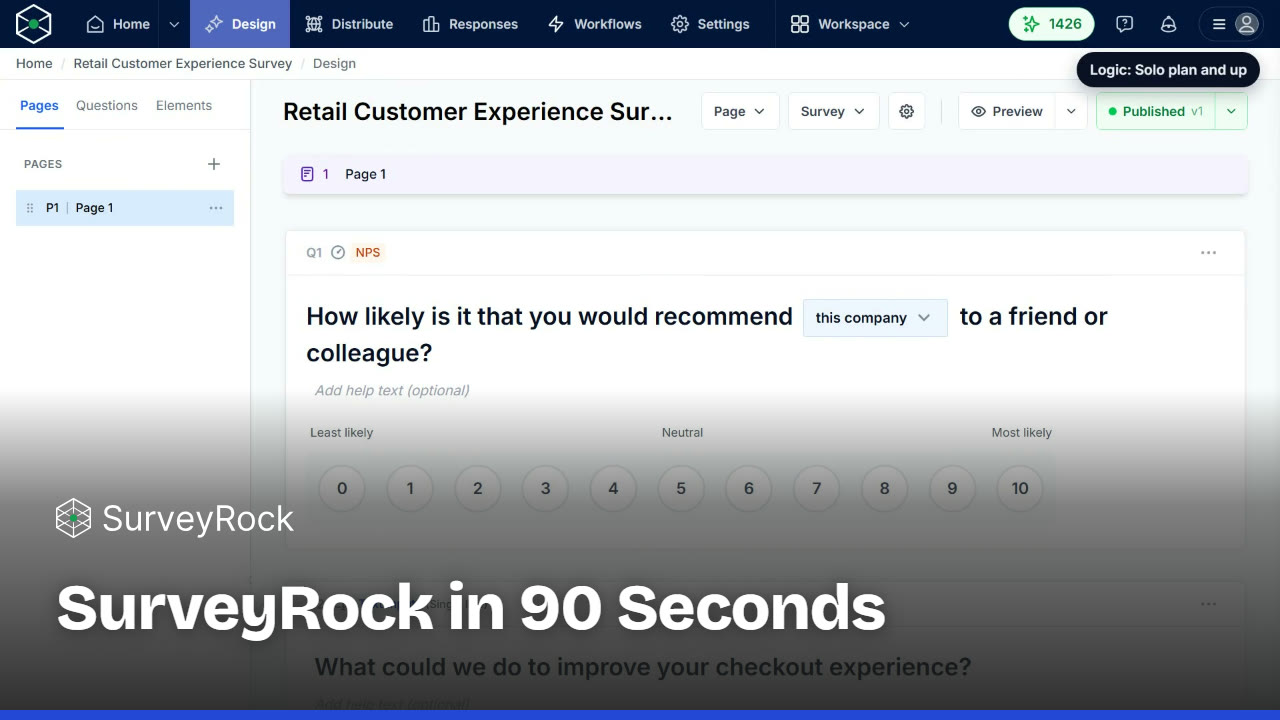
SurveyRock in 90 Seconds
Build a survey, share it, see the themes in open-text answers and turn a response into an action with an owner and a due date: SurveyRock from start to finish.
 0:50
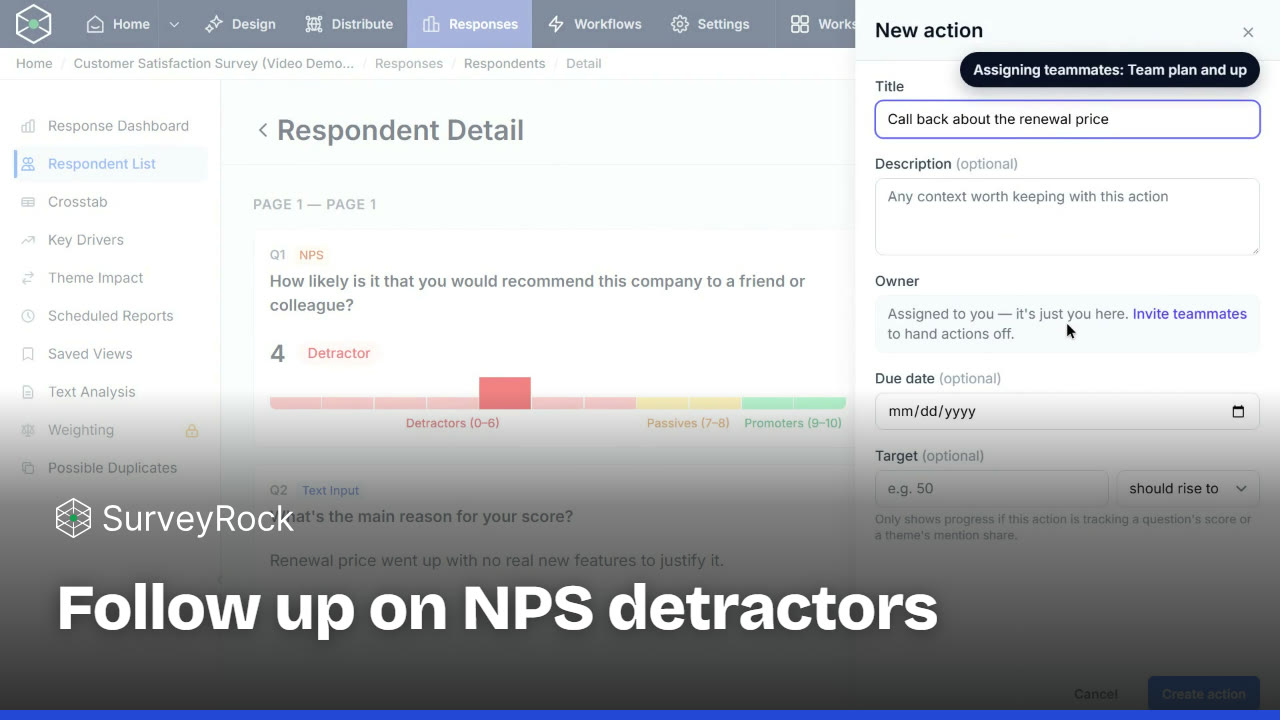
How to Follow Up on NPS Detractors (Close the Feedback Loop)
Turn a detractor's response into an action with an owner and a due date, work it to done with a note on what was done, and let the morning email keep it from stalling.
Also on our YouTube channel.